If you work in marketing or design, chances are you love Canva. It’s fast, friendly, and ridiculously easy to use.
Whether you’re knocking up a quick social post, an event banner, or a presentation for your next campaign, Canva is super simple for anyone to create something that looks great, even if they aren’t a designer.
But as brilliant as Canva is, it can be all too easy to veer off-brand.
When multiple teams, agencies, and partners are creating at speed, the line between “approved brand content” and “where did that logo come from?” can quickly blur.
Here’s where our new integration between Asset Bank and Canva changes everything! In this article we’ll look at:
- Accessing Asset Bank from Within Canva
- Why Teams Love Canva’s Asset Bank Plug-in
- How to Connect Asset Bank and Canva
- What Other Systems Asset Bank Connects With
All Your Brand Assets, Accessible from Within Canva
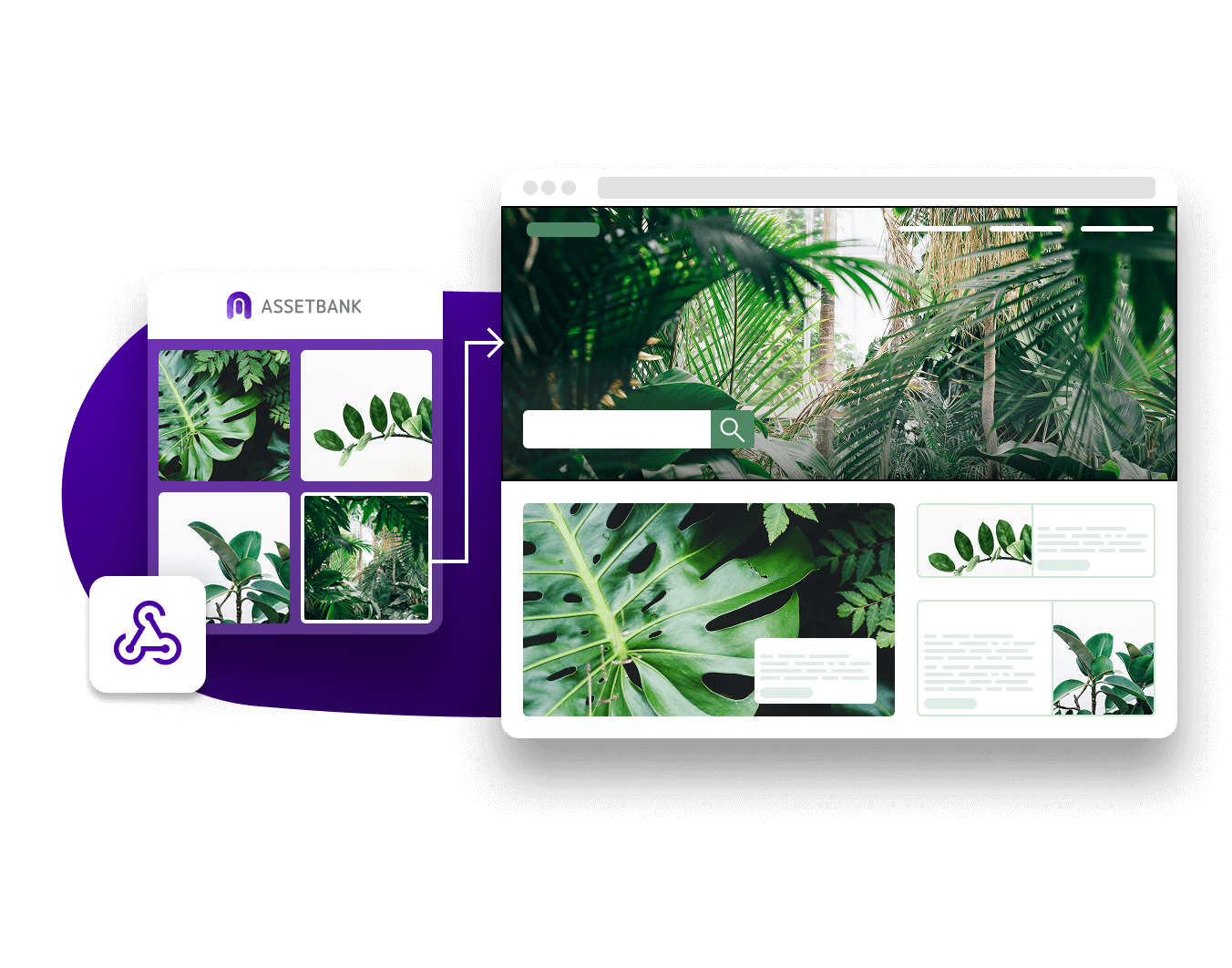
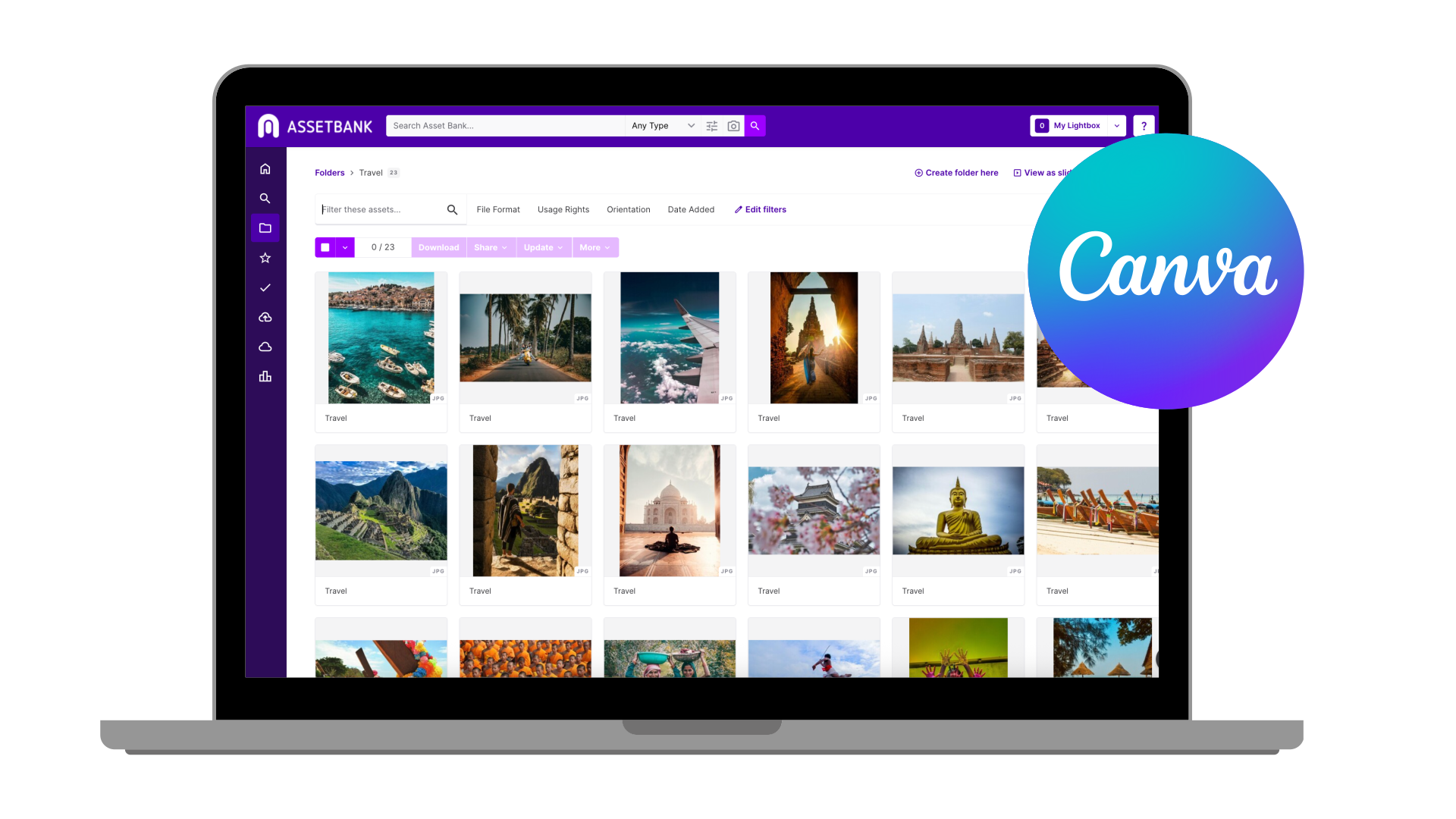
Now, you can link your Asset Bank library directly to Canva through the CI HUB connector – so your approved brand assets are available right inside the Canva interface.
Need the latest version of your logo? It’s there.
That new campaign image? Ready to drop in.
Updated product shots or marketing templates? All waiting for you – no more downloading, re-uploading, or guessing which version is right.
You can search, browse by folders or collections, and drag and drop images, logos, graphics – you name it! – straight into your designs – all while maintaining the permissions, version control, and metadata from your Asset Bank.
Got an image that has compulsory text that *must* go alongside it? No need to copy/paste – just drag the description across too.
It’s a beautiful marriage of creative flow and brand consistency 🤌
Why Teams Love This (and so will Yours)
This plug-in isn’t just a “nice to have” – it’s a genuine time-saver. Here’s what it unlocks:
- Work faster – Designers and marketers can create campaigns instantly using approved assets, cutting hours (and headaches) from production.
- Reduce errors – No more out-of-date logos, fuzzy images, or colour mismatches slipping through. Everything pulled from Asset Bank is brand-checked and approved.
- Stay on brand, automatically – Asset Bank keeps your brand guidelines front and centre, even when multiple teams are creating content.
- Accelerate time to market – With fewer bottlenecks and no more asset wrangling, campaigns get out the door faster.
Whether your teams are spread across different offices, agencies, or even continents, everyone can access the same source of truth – one central, governed library that plugs right into the tools they love.
How To Connect Canva to Asset Bank
Connecting Canva to your Asset Bank is simple. Using the CI HUB connector, you can link the two systems in a few quick steps:
- Contact your Asset Bank Customer Success Manager or get in contact with our support team to get your Asset Bank ready.
- Log in to your Canva account.
- Click on the Apps icon and search for CI HUB. Install the CI HUB app.
- Select Asset Bank as your connected data source.
- Authorise access using your Asset Bank credentials.
- You’re in!
That’s it – you’re ready to design using your approved, up-to-date brand assets, all without leaving Canva.
Not just Canva – Asset Bank Integrates With Adobe, Figma, BrandStencil…
Canva might be the fan favourite for quick, collaborative design, but Asset Bank doesn’t stop there.
It also integrates seamlessly with:
- Adobe Creative Cloud (Illustrator, Photoshop, InDesign, etc).
- Figma and Sketch for digital interface design, so designers can access approved brand assets directly within their Sketch workspace.
- Microsoft 365, SharePoint and Google Workspace to drop content directly into your presentation slides or for sales teams to access the right images for their pitch decks.
- BrandStencil and WeBrand for templated marketing materials, letting teams create, customise, and share branded templates using approved assets.
Click here to see all the software Asset Bank integrates with.
These integrations ensure your creative teams can work in the tools they love – while your brand managers maintain control, consistency, and compliance across every campaign.
With Asset Bank as the central hub, your entire ecosystem becomes connected – from creative ideation to final delivery – reducing errors, duplication, and rework.
Smart Tech for Smart Teams
The future of digital asset management (DAM) is about empowering creativity, not restricting it.
By making your DAM accessible wherever your teams work – Canva, Adobe, Figma, or elsewhere – you remove friction and give people the confidence to move fast without breaking brand rules.
Whether you’re a global marketing team juggling multiple agencies or a growing brand with a small but mighty comms crew, Asset Bank’s extensive, secure software integrations keep everyone aligned, efficient, and inspired.
🙋♀️ Frequently Asked Questions
1. How do I connect Canva to my brand’s asset library?
You can connect your brand’s asset library to Canva by speaking to your Asset Bank Customer Success Manager, then using the CI HUB integration in the Canva app marketplace. Within minutes, your approved brand assets (plus all their metadata, permissions, expiry dates that are stored in Asset Bank) are available directly in Canva, ready to drag and drop into designs.
2. Why should marketing teams connect Canva to Asset Bank?
Linking Canva to Asset Bank ensures everyone designs using approved, brand-checked assets. It helps maintain consistency, prevents outdated logos or incorrect colours, and dramatically speeds up creative production.
3. Can multiple teams access the same assets in Canva?
Yes! Once Asset Bank is connected, all team members – across offices, agencies, or continents – can access the same approved assets, ensuring brand consistency no matter who’s designing.
4. Do I need design experience to use Asset Bank assets in Canva?
No. Even non-designers can pull approved logos, images, and templates straight from Asset Bank into Canva, reducing errors and maintaining professional, on-brand output.
5. Can I use Asset Bank metadata in Canva designs?
Absolutely. Metadata such as usage rights, captions, and compulsory text can be dragged across with your assets, ensuring correct attribution and compliance.
6. Will Asset Bank keep my Canva designs up to date?
Yes. If you update an asset in Asset Bank, the latest version is immediately available in Canva, so your teams are always working with current, approved content. Bear in mind, though, that any Canva designs with older versions of an image will not auto-update.
7. Can I search and organise my images from within Canva?
Yes. You can search, browse by folders or collections, and filter by orientation (landscape or portrait) – all without leaving Canva, saving time and preventing errors.
8. Does Asset Bank work with Canva templates?
Yes. You can use Canva templates as a starting point, and then drag in approved images or brand elements directly from Asset Bank, via the connector. This ensures all marketing materials remain on-brand and compliant.
9. What other tools can Asset Bank integrate with?
Asset Bank integrates with popular creative and marketing tools like Adobe Creative Cloud, Figma, BrandStencil, and more. This ensures your entire creative workflow remains connected and brand-safe.
10. How does Digital Asset Management help maintain brand consistency?
A Digital Asset Management system like Asset Bank stores, manages, and protects all your approved creative content. It ensures everyone uses the latest, correct versions of logos, imagery, and templates, safeguarding your brand identity.
11. How does this integration improve workflow efficiency?
It eliminates downloading, re-uploading, and version confusion, allowing teams to work faster, reduce errors, and get campaigns out the door more quickly.
Ready to see the Asset Bank and Canva Integration in action?
Get in touch with our team for a quick chat and we’ll show you how easy it is to connect your Canva account to Asset Bank. In minutes, you’ll be designing with approved assets, perfectly on-brand, and ready to hit publish.
Because when design meets DAM, the result is simple: faster campaigns, fewer errors, and a brand that always looks its best.